
Local WordPress development made easy
Simplify your development workflows with Local Connect and WP Engine.
Local and WP Engine are
more powerful together
Connect Local to your WP Engine account for a better, faster, and more secure local WordPress development workflow.
1. Connect to your
WP Engine account
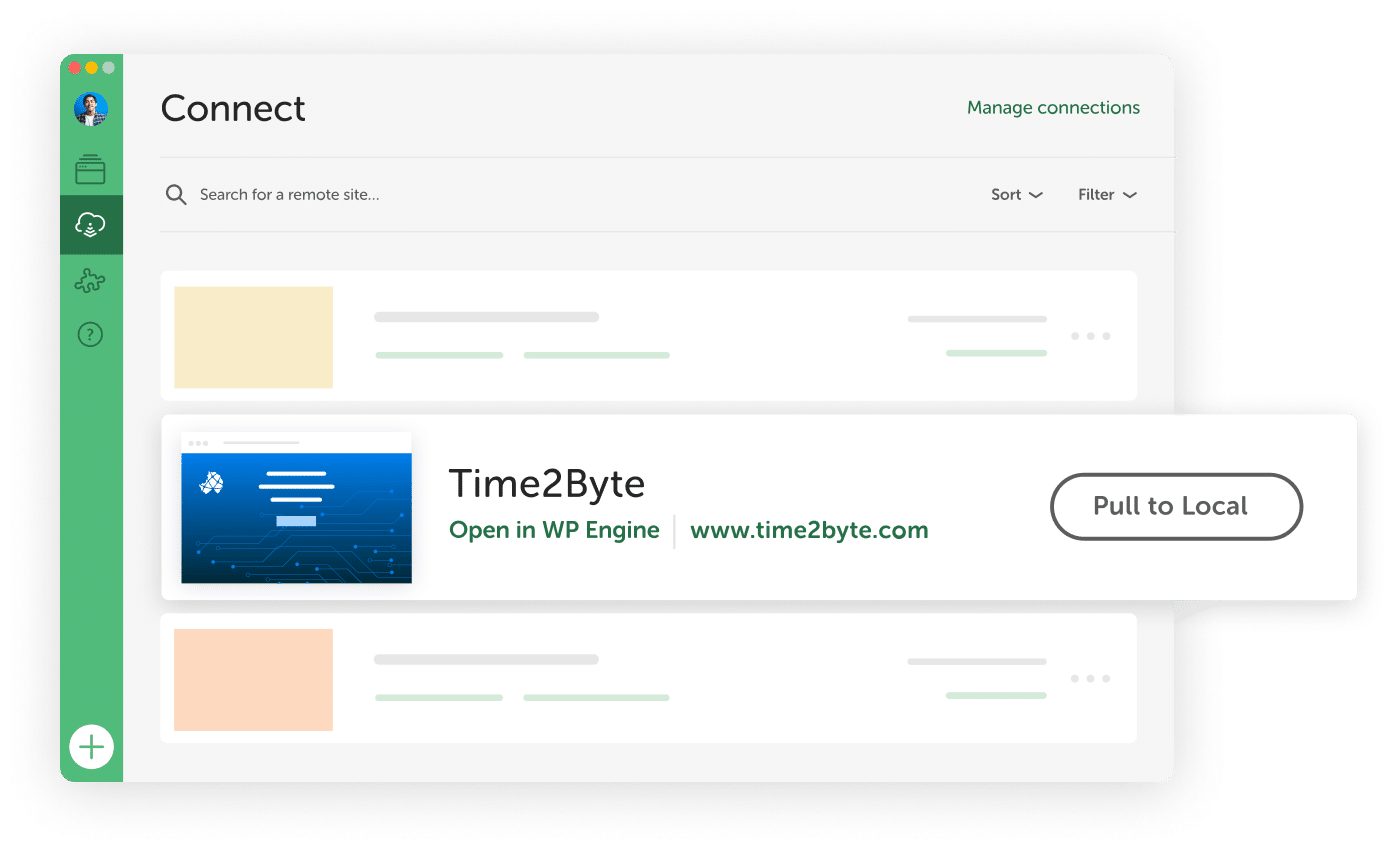
Log in to WP Engine from Local to see a list of all your sites.
2. Pull your site
down to Local
Choose a site from the list and pull it into Local with a click.
3. Make your changes
and test
Do all your work locally without ever breaking the live site.
4. Deploy to development, staging, or production
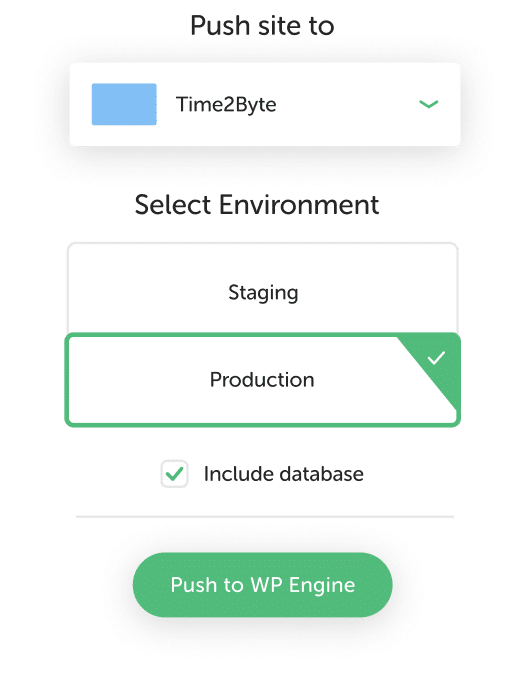
Push your site and/or database live on WP Engine in no time.
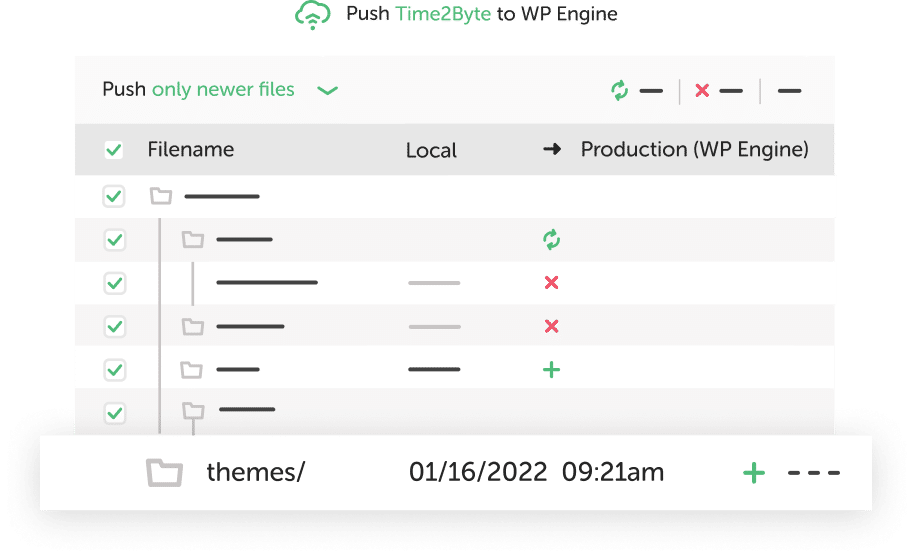
Deploy up to 5x faster with Local Connect and MagicSync
MagicSync selects added, deleted, or updated files to deploy and includes a database option. Local development is better when your production, staging, and development environments sync effortlessly!
Remove unnecessary steps from your deployment process
Local Connect makes deploying easier by clearing the cache and updating URLs for you. Managing manual backups, database exports, SFTP set ups, migration plugins, or client credentials are
a thing of the past.
Get award-winning support for Local Connect issues
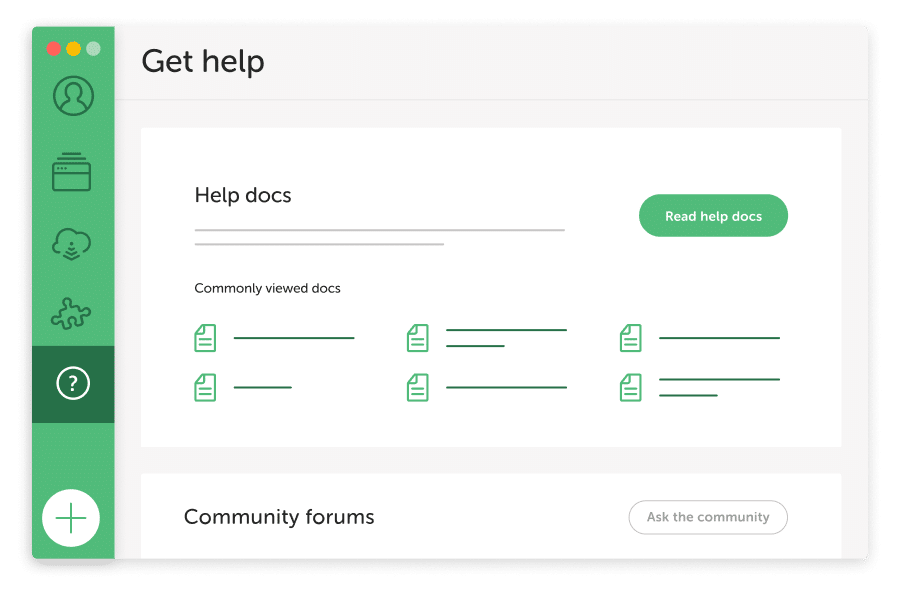
While we can’t debug your custom WordPress development, our support team is here to help you troubleshoot any Local Connect errors when pushing and pulling your sites between Local and WP Engine.
support team.
Ready to press ahead?
Talk to a specialist to find a solution that is right for you, or explore our
plans and pricing.