Get Started
Redirect Bots Setting
Key Takeaways
Redirect Bots setting improves server performance. Bots requesting URLs with numbers or query arguments can overload servers with uncached page views, causing lag. Enabling this setting redirects such bot visits to the parent page, reducing server load.
Managing Redirect Bots is crucial for site performance. Disabling or enabling Redirect Bots can impact services like Facebook’s URL debugger tool, affecting how bots interact with specific pages.
Clean sitemap and robots.txt help control bot behavior. Providing bots with these resources can help mitigate issues caused by bot behavior, enhancing site performance and data analysis.
Leaders should assess their site’s Redirect Bots settings for optimal performance.
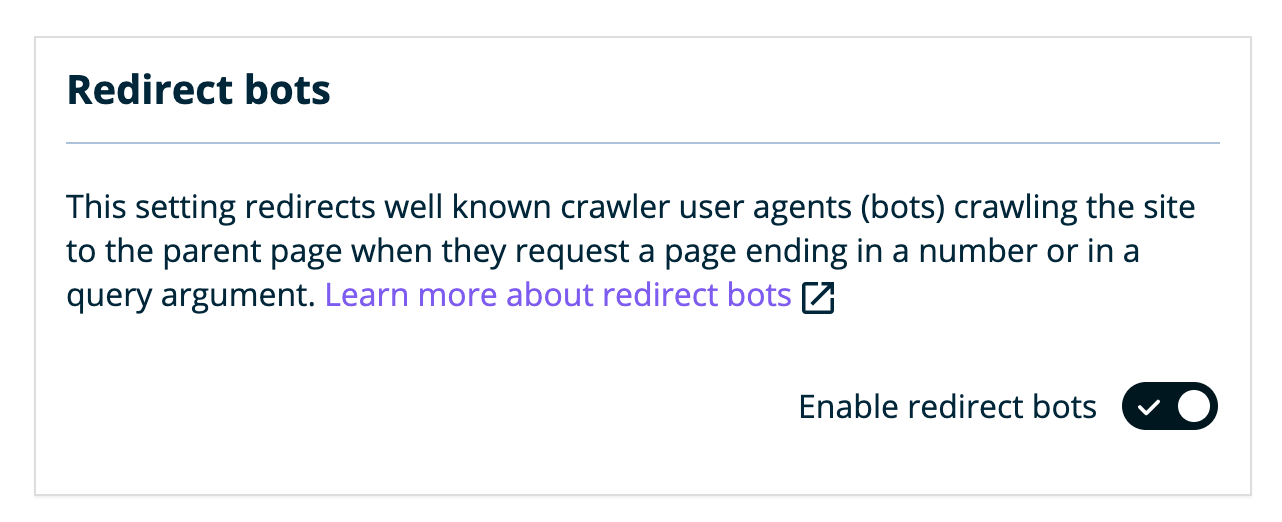
The Redirect Bots setting 301 redirects well-known crawler user agents (bots) on the site to the parent page when they request a page ending in a number or in a query argument.
About Redirect Bots
Bots will see a URL that ends in a number or query like 1, or even a year like 2019, and will increment it (2020, 2021, etc.), continually and high as they want. Because the URL is different, each of these page views will be seen as new and isn’t going to be cached, meaning the server will start to experience lag and high load as its bombarded with these requests. EX:
site.com/page/2019
site.com/page/2020
site.com/page/2021
With the redirect bots setting turned on, our server will automatically redirect all bot visits for these types of URLs back to simply: site.com/page/
Manage Redirect Bots
Redirect bots is disabled by default. This setting can be managed from the User Portal.
- Log in to the User Portal
- Click on the environment name you wish to disable this on
- Click Utilities
- Locate Redirect Bots
- Toggle to Enable or Disable the redirect bots setting
If a service you’re using to scan your site is having issues or receiving a 301 redirect, there’s a chance this is due to the redirect bots setting and it needs to be disabled.
For example, using Facebook’s URL debugger tool attempts to scrape a specific page of the site that ends in a number, using one of the well known user agents that is redirected by default. This causes the tool to show an error. With the redirect bots setting turned off, it allows Facebook to properly scrape and analyze the data given.